ROUTE SIMULATION
Make the journey yours.
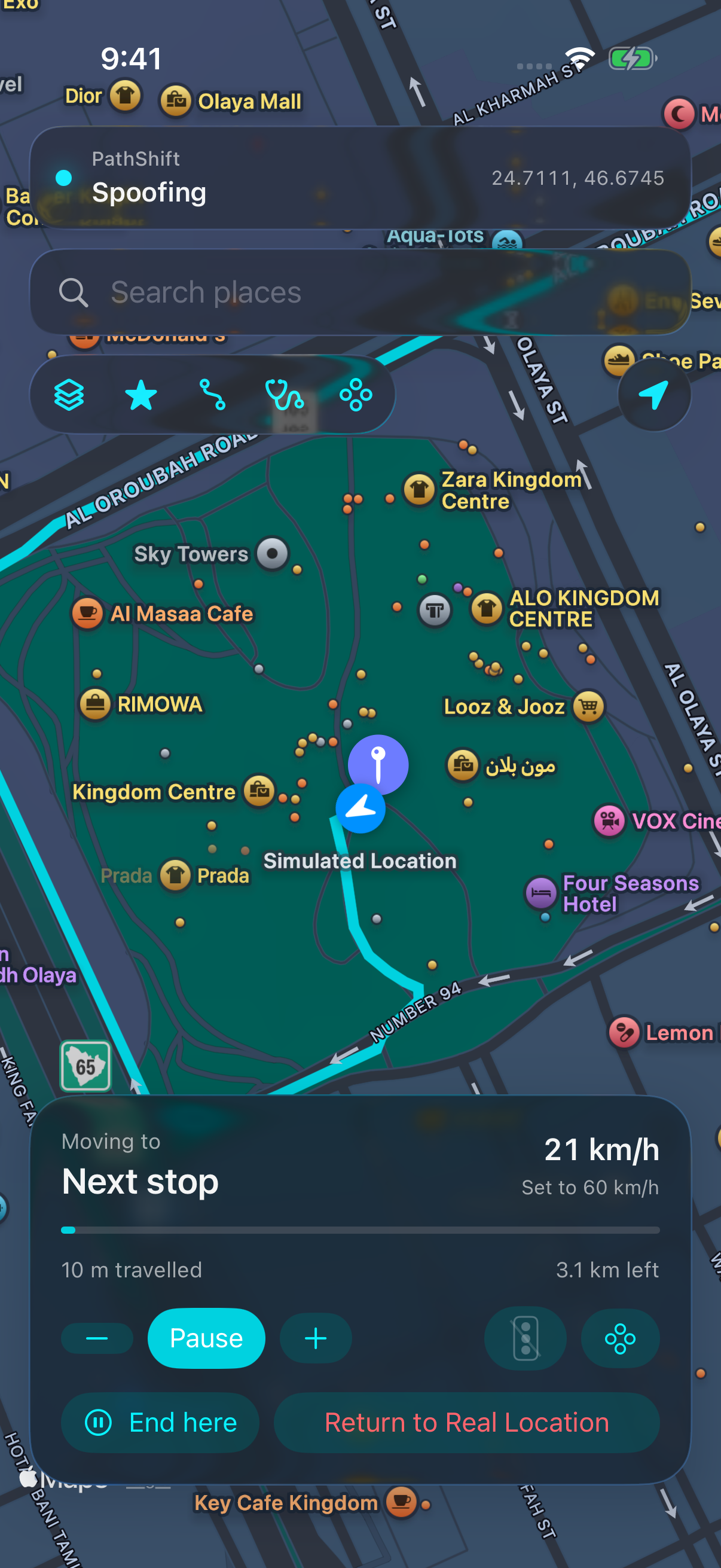
Choose a start and destination. Walk, run, cycle, or drive at your own pace. Pause, continue, or stop moving and hold your spot.
 PathShiftFOR iPHONE
A new route. A different destination. An entirely different perspective. Put precise location control in your pocket.
Monthly subscription. All features included.
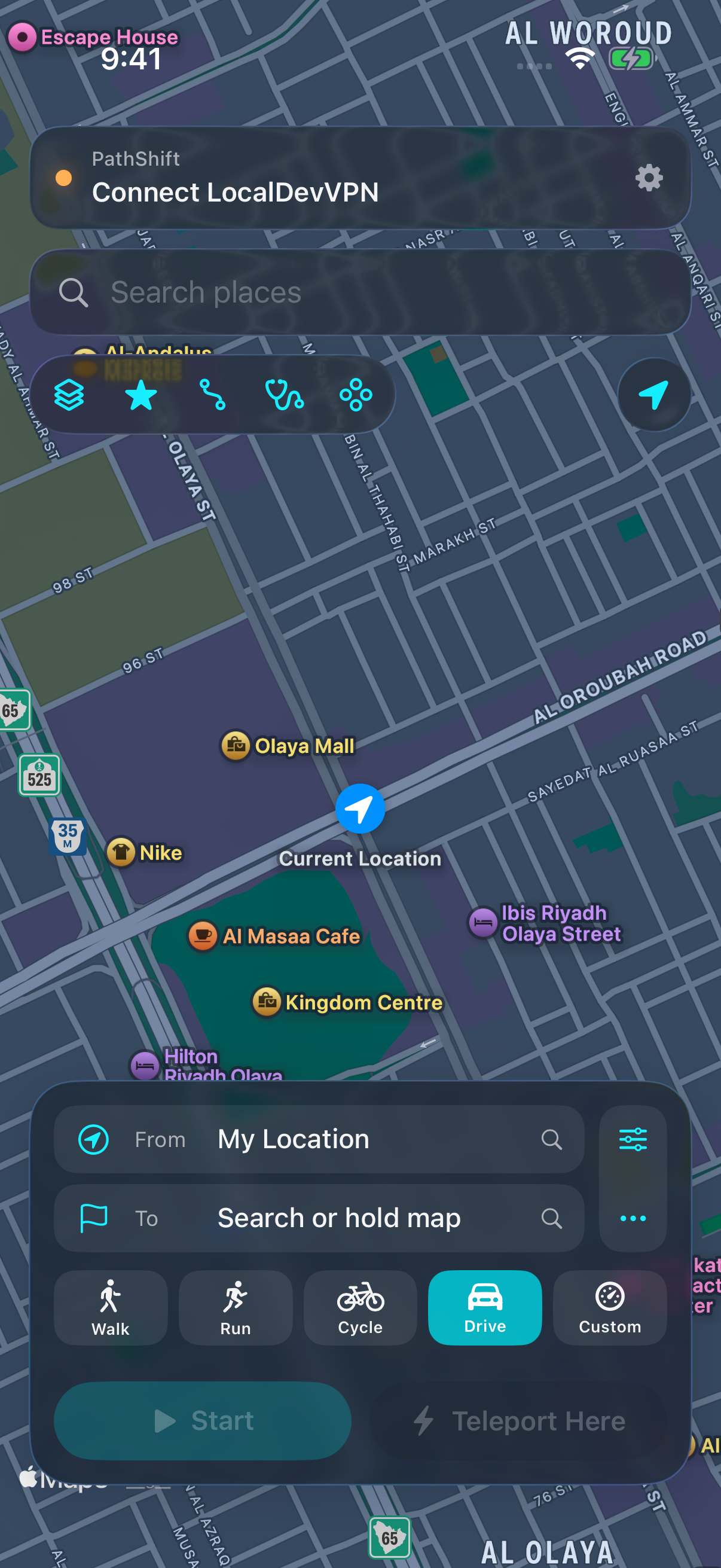
Plan a journey, jump to a point, or take the controls yourself.
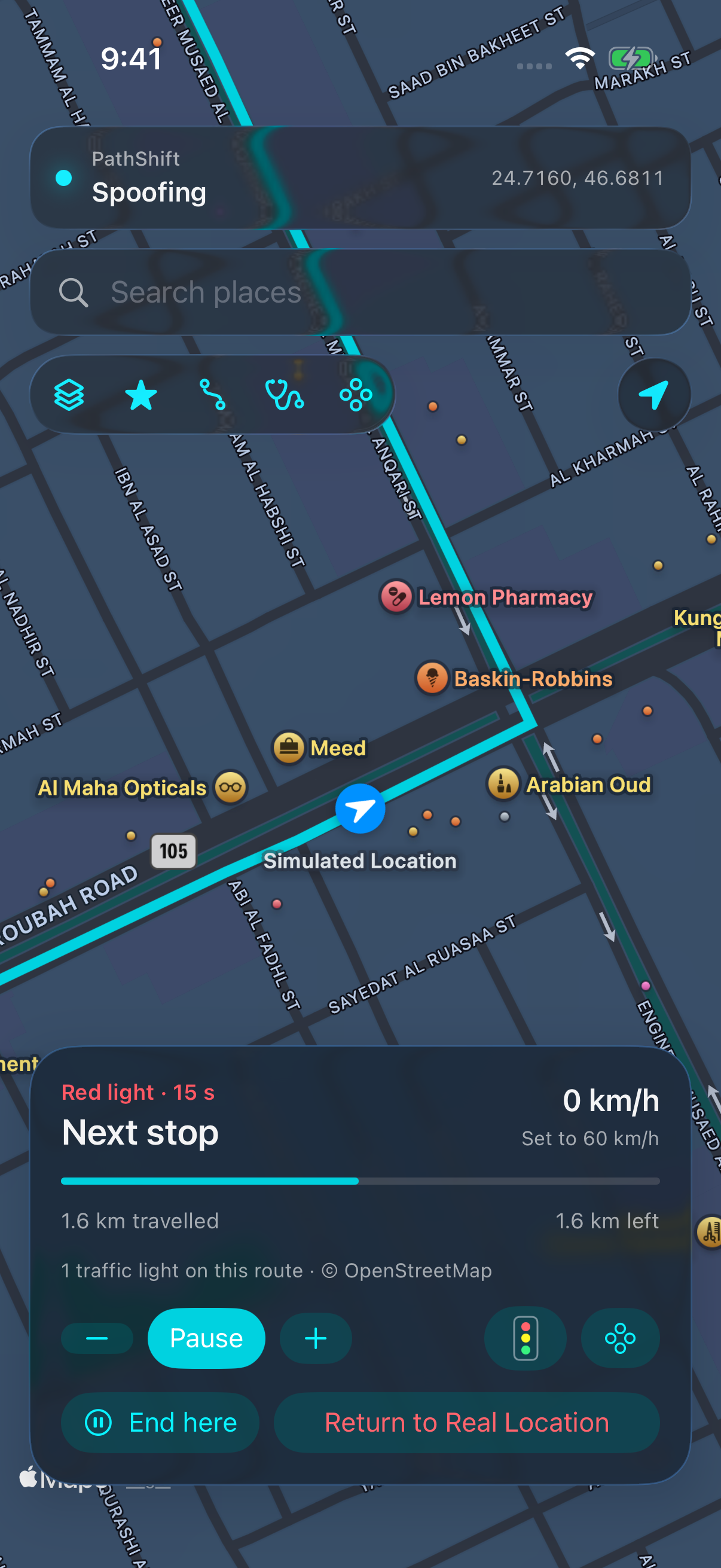
Choose a start and destination. Walk, run, cycle, or drive at your own pace. Pause, continue, or stop moving and hold your spot.
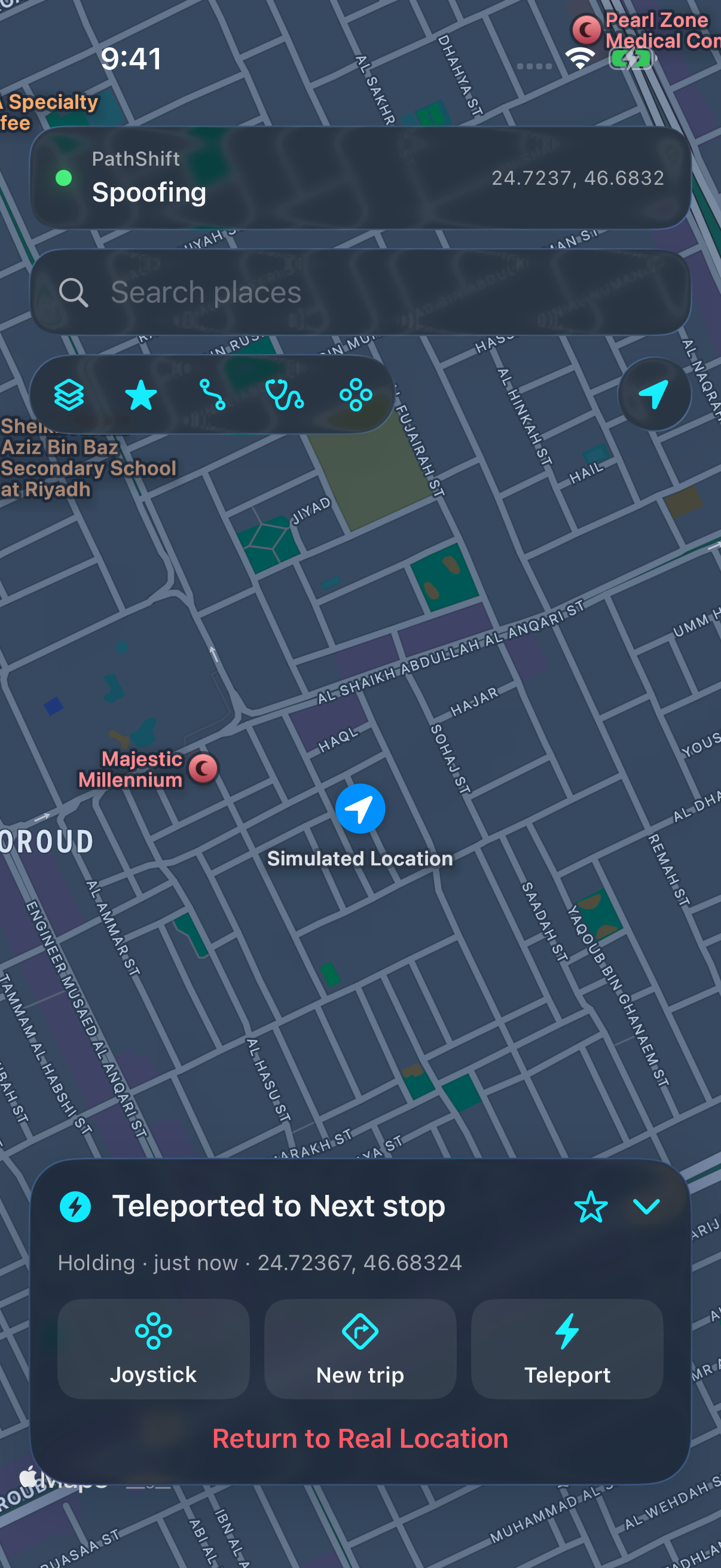
Search a destination or drop a pin. Teleport there and hold your position until you decide to move again.
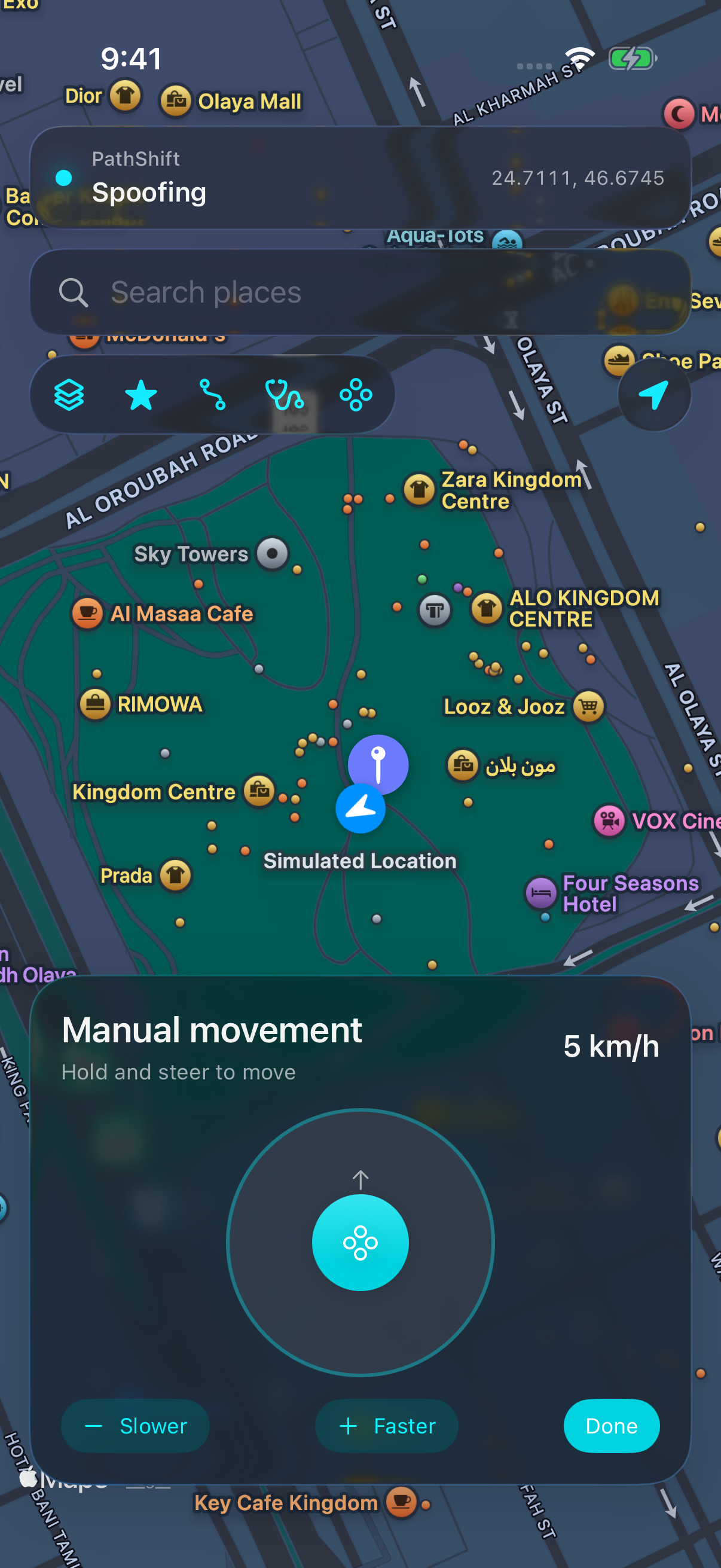
Take manual control with the joystick. Change direction and explore at your own pace.
Give your drives and rides a more natural rhythm. PathShift finds traffic-light junctions along your route, slows down for a red light, waits, then continues when it turns green.
Light timings are simulated, not live traffic data. Available for driving, cycling, and custom routes; walking and running are excluded.
PathShift is a developer location tool for an iPhone you own or control. Check your setup before purchasing.
You need a supported iOS version, a way to sign and install the IPA, and LocalDevVPN.
Import your pairing file and connect the local developer tunnel. The pairing file stays on your phone.
Sign in, activate your purchase, and choose a route or destination.
Route simulation, teleport, joystick, traffic-light stops, and your personal library of places and routes.
Monthly subscription · billed in USD
Check device and installation requirements first.